
Getting to Know the Top AI Coding Tools
What Sets Each Tool Apart
You face new choices as a developer in 2026. GitHub Copilot works as an extension inside your favorite IDEs. It delivers inline suggestions and connects deeply with the GitHub platform. You get chat features, agent modes, and tools that turn issues into pull requests. It supports many editors like VS Code and JetBrains.
Cursor takes a different path. This AI-native IDE builds on VS Code but centers everything around intelligence. You enjoy features like Composer for editing multiple files at once. It offers high acceptance rates on suggestions and lets you switch models easily. Persistent rules and background agents help maintain your style across projects.
Claude Code as the Autonomous Agent
Claude Code lives in your terminal. Powered by Anthropic models, it reads entire codebases and handles complex tasks on its own. You can ask it to debug, refactor, or manage git operations including commits and conflict resolution. Its strength lies in deep reasoning without constant input from you.
Why No Tool Wins for Everyone
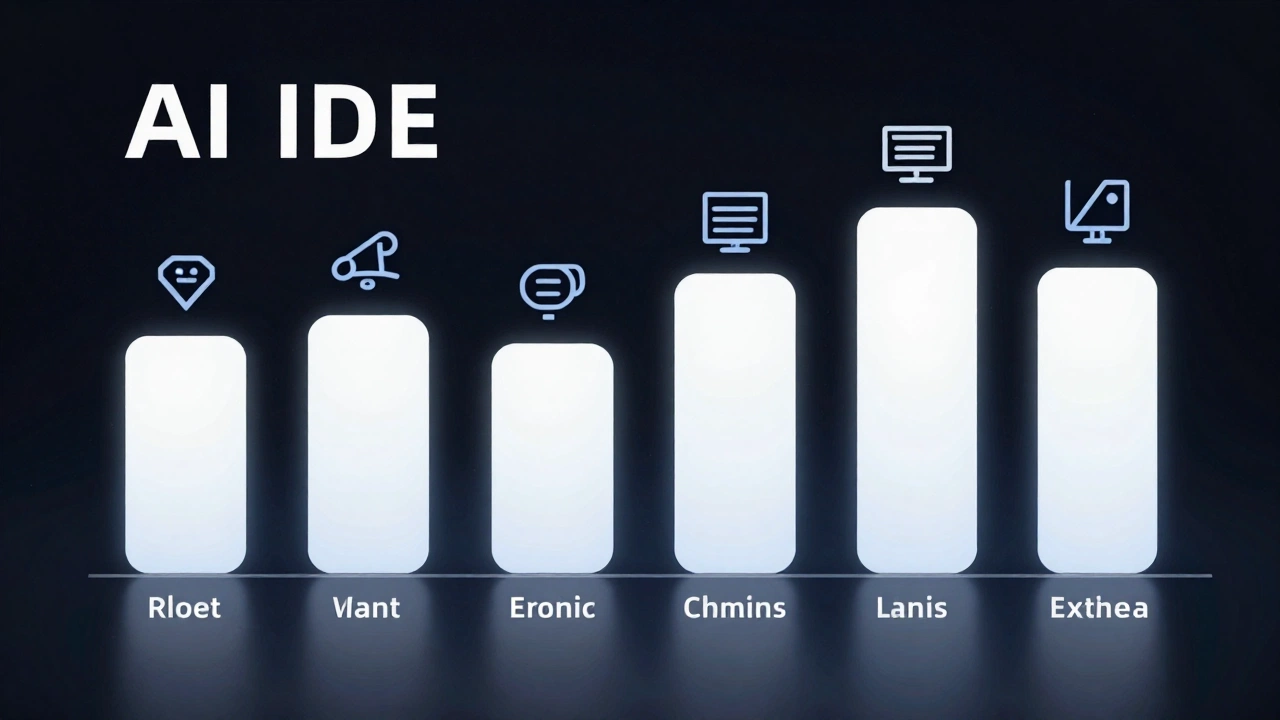
Your workflow decides the winner. Some developers stick to one option while others combine them. You might use one for quick edits and another for tough problems. Early 2026 reviews from sites like Emergent and SitePoint show results depend on your setup, tasks, and budget. Hybrid use appears frequently among experienced coders.
Performance Breakdown: What the Numbers Show
SWE-Bench Results That Matter
Benchmarks reveal clear differences on tough software engineering tasks. On the SWE-Bench Verified set, top Claude models reached 76.8 percent resolution in February 2026 tests using specialized agent setups. This leads the pack for complex multi-file work. Cursor scored around 52 percent in similar agent tests while Copilot agent mode landed between 46 and 56 percent.

These numbers highlight strengths. Claude Code shines when you need careful reasoning across large unfamiliar codebases. You see better outcomes on high-stakes refactors that require long chains of thought.
Speed Differences in Daily Tasks
Cursor often finishes tasks quicker in head-to-head tests. One March 2026 comparison showed it completing work in 63 seconds on average compared to 90 seconds for Copilot. Its autocomplete acceptance rate hit 72 percent, helping you maintain flow during regular coding sessions.
Productivity gains vary too. Users report 35 to 45 percent faster feature completion with Cursor on complex jobs. Copilot delivers 20 to 30 percent improvements on standard work. These stats come from real developer surveys conducted in early 2026.
Context Windows and Large Codebases
Context size changes what you can tackle. Claude Code supports up to 1 million tokens. This lets you work effectively on codebases with 25,000 to 50,000 lines of code. Reports show about 75 percent success on large refactors thanks to this capacity. Other tools depend on the model you pick and usually handle 128K to 256K tokens.
Understanding Pricing and What You Get
Free Tiers to Start Your Tests
All three tools offer free versions so you can try before spending. Copilot provides limited completions and chats. Cursor gives you a set number of fast requests each month. Claude Code ties into Anthropic’s free access but with usage caps that push you toward paid plans quickly for serious work.
You should begin with these options. Spend a week on each to feel the differences in your own projects. This hands-on time reveals which interface matches your habits best.
Pro Plans for Individual Developers
Paid tiers unlock what you need for daily use. GitHub Copilot individual pro costs about $10 per month with unlimited completions. Cursor Pro runs around $20 monthly and includes high limits on premium models plus unlimited suggestions. Claude Code connects to Anthropic’s Claude Pro at roughly $20 per month though heavy autonomous sessions may need higher tiers that reach $100 to $200.
Many power users combine Cursor Pro with Claude Pro for total monthly costs near $40 to $50. This stack covers both daily editing and deep autonomous tasks without gaps.
Business and Enterprise Options
Teams need more than individual plans. Copilot Business sits between $19 and $39 per user with strong admin features. Cursor Business costs about $40 per seat and adds SSO plus privacy controls. Enterprise versions of Copilot offer custom pricing with IP indemnity and audit logs that larger organizations require.
A comparison table helps you see tradeoffs clearly:
| Tool | Individual Price | Business Price | Key Enterprise Feature |
|---|---|---|---|
| GitHub Copilot | $10/mo | $19-39/mo | Deep GitHub integration |
| Cursor | $20/mo | $40/mo | Admin controls and SSO |
| Claude Code | $20/mo base | Higher tiers | Usage caps on Opus models |
Choose based on your team size and existing tools. Companies already inside GitHub often start with Copilot for seamless fit.
Matching Tools to Your Daily Workflow
When GitHub Copilot Fits Best
You might prefer Copilot if you value low friction and broad compatibility. It works inside your current IDE without forcing changes. The tool excels at inline autocomplete and simple boilerplate tasks. Enterprise teams appreciate its security features and platform policies.
Beginners also benefit from its gentle learning curve. You stay inside familiar environments while getting helpful suggestions. It performs strongly on everyday coding rather than massive overhauls.
Why Cursor Wins for Full-Time Coders
Cursor transforms how you build software. Its dedicated environment keeps AI features front and center. You gain persistent context through memories and rules that remember your preferences. Background agents like Bug Bot hunt issues while you focus elsewhere.
Professional developers praise its model flexibility. Switch between Claude, GPT variants, or Gemini depending on the job. This IDE shines for rapid prototyping and polyglot projects where you use multiple languages. Over one million users had adopted it by early 2026 showing its popularity.

Claude Code for Complex Engineering Challenges
Turn to Claude Code when problems get hard. Its terminal-first design lets you delegate entire tasks. The agent reads your full codebase then plans, edits, tests, and commits changes. You get excellent results on architecture decisions or deep debugging across system layers.
Terminal users feel right at home. Others face a learning curve but gain powerful autonomy. It handles git operations thoroughly including branch management and pull request preparation. This tool stands out for high-stakes work where reasoning quality matters most.
Key Trends Shaping AI Coding in 2026
The Shift Toward Agentic Systems
Autocomplete alone no longer satisfies. Tools now plan, edit multiple files, run tests, and manage version control with little oversight. Claude Code uses agent teams that work in parallel. Cursor offers Composer and automated bots. Copilot advances with Workspace features that move from issue to PR.
You spend less time on routine steps. Instead you review plans and guide direction. This evolution appears across all three options though each emphasizes it differently.
Why Hybrid Stacks Dominate
Senior developers rarely use one tool exclusively. You might keep Cursor open for daily editing then call Claude Code for tricky refactors. This combination leverages strengths while covering weaknesses. Reviews from April 2026 consistently recommend layered approaches for maximum gains.

Interface preferences drive these decisions. IDE lovers pick Cursor or Copilot. Terminal fans add Claude Code. Your highest-frequency tasks should guide the primary choice.
Enterprise Concerns and Model Choices
Companies focus on compliance and data privacy. All options send code to cloud services so self-hosted alternatives exist for strict environments. Features like SSO and usage policies appear in business tiers.
Claude models lead complex benchmarks thanks to strong reasoning. You can access them directly in Claude Code or through integrations in Cursor and Copilot. Large context windows and orchestration features reduce mistakes and improve consistency.
Building Your Ideal AI Coding Setup
Assess Your Current Environment First
Start by examining your habits. Do you live inside VS Code or prefer terminal workflows? Are you on a solo project or part of a large team? Your answers point toward the right starting point.
Consider codebase size too. Massive repositories benefit from Claude Code’s context abilities. Smaller daily tasks might need Cursor’s smooth experience. Copilot offers the easiest entry if you already use GitHub tools.

Trial Each Option Systematically
Download free versions and test identical tasks across tools. Spend time on autocomplete, multi-file changes, and autonomous refactoring. Track how each affects your speed and frustration levels.
Reviews suggest checking new features every two to four months. The field moves fast with benchmark updates and capability jumps. What feels best today might change as models improve.
Recommended Combinations for Different Users
Solo full-stack developers often pick Cursor as their main IDE. Add Claude Code for occasional heavy lifting. Teams inside the GitHub ecosystem should evaluate Copilot first then consider Cursor for better developer experience.
Terminal-native engineers start with Claude Code and layer Cursor when they need a visual editor. Budget-conscious beginners do well with Copilot’s lower price. For maximum productivity in 2026, many settle on a Cursor and Claude Code pair that delivers both flow and deep intelligence.
Remember that these tools complement rather than replace your skills. They handle routine work so you focus on creative solutions. Try the options, measure your output, and adjust. The right setup can deliver substantial time savings when it matches how you actually work.