
You face a big choice in 2026 if you want to speed up your coding. Claude Code, Cursor, and GitHub Copilot each take a different path to help you write software. One feels like a smart assistant in the terminal. Another gives you a complete workspace built for AI. The third slips into whatever editor you already use. You will not find one perfect tool that beats the others in every situation. Many experienced developers mix two of them for daily work and tough projects. This guide walks you through the real differences so you can pick what fits your style.
What Makes These AI Coding Tools Different
Claude Code as Your Autonomous Agent
You tell Claude Code your goal in plain words. It reads your entire codebase at once. The system creates a plan for changes that span many files. After you give permission it edits the code runs tests and commands and fixes problems when they appear. You stay in control with built-in safety checks that flag risky moves. This tool shines when you explore code you have never seen before. It traces dependencies and suggests smart next steps. Even people who do not code full time can create working prototypes. The terminal-first approach feels natural if you already live in the command line.
And you gain real independence on long tasks. The agent keeps iterating until tests pass. It can commit changes and talk to systems like Kubernetes. You avoid switching between windows as much. This setup changes how you approach big updates because the heavy thinking happens outside your head.
Cursor as the Dedicated AI IDE
Cursor replaces your old editor with an environment designed from the ground up for AI. You open the Composer tool and watch it handle edits across several files at the same time. Autocomplete feels sharp and you accept suggestions more often than with other options. Background agents watch your project and offer help without being asked. The chat understands your whole codebase so answers stay accurate. You pick from several models including the latest Claude or GPT options. Switching to this IDE gives you a unified feeling instead of bolting features onto an existing program.
So you move faster during prototyping sessions. Visual tools let you see proposed changes before they lock in. The whole experience stays smooth whether you build front-end pieces or complex back-end logic. Many developers say the polished flow keeps them in the zone longer.
GitHub Copilot Offers Broad Compatibility
You add GitHub Copilot as a lightweight extension and keep working inside your current setup. It brings inline suggestions while you type and a separate chat panel for bigger questions. The agent features can turn a simple issue description into a full pull request. Because it works with many editors you avoid retraining your muscle memory. Tight links to GitHub repositories make pull requests and reviews feel seamless. This tool targets teams that cannot change every developer environment at once.
But you still receive strong help on repetitive sections of code. The system learns the patterns in your project quickly. Enterprise users like the extra compliance layers that protect sensitive work. You get started in minutes instead of hours.
How They Perform on Key Benchmarks
Results From SWE-Bench Verified
Independent tests on SWE-bench Verified gave Claude Code the highest marks at 80.8 percent. This test uses actual GitHub issues that require real fixes. One March 2026 report placed Cursor at 51.7 percent while GitHub Copilot reached 56 percent after completing 280 out of 500 tasks. The Verified benchmark retired in February 2026 because scores climbed so high across the industry. Newer versions of the test now focus on harder problems that better match daily work.
Speed Differences You Will Notice
You finish certain jobs about 30 percent faster when you use Cursor. One test showed it finishing in 63 seconds compared with 90 seconds for Copilot. Claude Code stands out on multi-file projects that need deep reasoning. Its large context window helps it remember more of your codebase at once. These numbers only tell part of the story though. Your own prompts and the type of project change the outcome every time.

Beyond the Numbers What Matters
Benchmarks give you a starting point but your real projects decide which tool wins. You must still read every diff before you merge especially when changes touch critical paths. Team experiments show that review burden stays important no matter which system you pick. The best results appear when you match the tool to the exact job in front of you instead of forcing one option everywhere.
Understanding the Pricing Options
Cost for Individual Developers
GitHub Copilot lists at $10 per month for personal use which makes it easy to try. Cursor sits between $16 and $20 monthly while Claude Code lands in the same $17 to $20 range. Many power users combine two tools and spend around 30 to 40 dollars total each month. Free options exist for students on some platforms. You can test most features before you pay so the risk stays low.
Enterprise Plans and Added Features
Large organizations often choose Copilot because of its security controls and compliance tools. You gain features that meet strict company rules. It already appears in 90 percent of Fortune 100 companies and holds 42 percent of the paid AI coding market. Both Cursor and Claude Code scale too but they focus more on individual power and agent strength. The extra cost for business tiers usually pays for itself through faster delivery.

Quick Comparison Table
| Tool | Monthly Price | SWE-bench Score | Best For |
|---|---|---|---|
| Claude Code | $17–$20 | 80.8% | Complex autonomous work |
| Cursor | $16–$20 | 51.7% | Fast IDE flow |
| GitHub Copilot | $10 | 56% | Broad compatibility |
This side-by-side view helps you see trade-offs at a glance. You can match price against the tasks you handle most often. Remember that many developers stack tools so the real monthly total depends on your mix.
Matching Tools to Your Daily Work
When You Should Reach for Claude Code
You turn to Claude Code when your task spans more than ten files or involves unfamiliar territory. It reads everything traces connections and suggests complete solutions. The agent runs tests fixes failures and commits only after you approve. You use it to prepare for code reviews or to hand off boring refactoring work. Terminal commands and DevOps pipelines feel natural inside its world. Senior engineers often rate it highest for complicated jobs that need careful orchestration.
So you free up mental space for architecture instead of line-by-line editing. The tool handles iteration loops that would otherwise eat your afternoon. Safety classifiers stop dangerous actions before they start which gives you confidence on production codebases.

Why Cursor Fits Most Individual Coders
Your regular feature work flows better inside Cursor. The inline commands let you describe changes and watch them appear instantly. You jump between chat project context and visual editor without losing momentum. Model choices give you flexibility when one system struggles with your language or framework. Many full-stack developers call it their main driver because the entire environment feels built for speed. You prototype new ideas faster and keep your focus inside one window.
But you also gain from its background agents that surface insights while you think. The high autocomplete acceptance rate means less typing overall. This tool often wins when you want the best daily experience without adding extra steps.
Choosing GitHub Copilot for Compatibility
You pick GitHub Copilot when your team already standardized on certain editors. No need to learn a new interface or convince colleagues to switch. Inline help cuts down boilerplate so you reach the interesting parts quicker. Agent mode turns tickets into working branches with minimal guidance. Beginners appreciate the gentle assistance that teaches while it works. Large groups like the ecosystem ties that keep everything inside GitHub.

And you still receive solid accuracy on common patterns. The low monthly price helps when you only need occasional boosts. It serves as a safe starting point before you explore more specialized options later.
Company Results That Impress
Big Migrations Completed Quickly
Real teams achieved impressive wins in 2026. Stripe finished a 10000-line Scala-to-Java migration in four days instead of an estimated ten engineer-weeks. Wiz moved a 50000-line Python library to Go in roughly 20 hours compared with two to three months of traditional effort. These examples show how the right tool compresses timelines that once seemed impossible. You can imagine tackling your own legacy updates with similar confidence.
Improvements in Operations
Ramp cut incident investigation time by 80 percent after adding the agent to their process. Rakuten dropped new feature delivery from 24 days to five days by running parallel sessions. These gains come from letting the AI handle implementation details while humans focus on direction. Your team might see similar shifts once the tools integrate with your existing pipelines.
What Anthropic Reports Internally
The company behind Claude Code says the majority of its own code now comes from the tool. A 40-person engineering group tracked productivity for three months and gave Claude Code an 8 out of 10 for complex work. Cursor scored 7 out of 10 on feature development but needed more human review. These internal numbers match what many senior developers report on public forums. The context window and agent scaffolding create a feeling of ten times improvement on hard tasks.
Trends Shaping AI Coding in 2026
The Move Toward Autonomous Agents
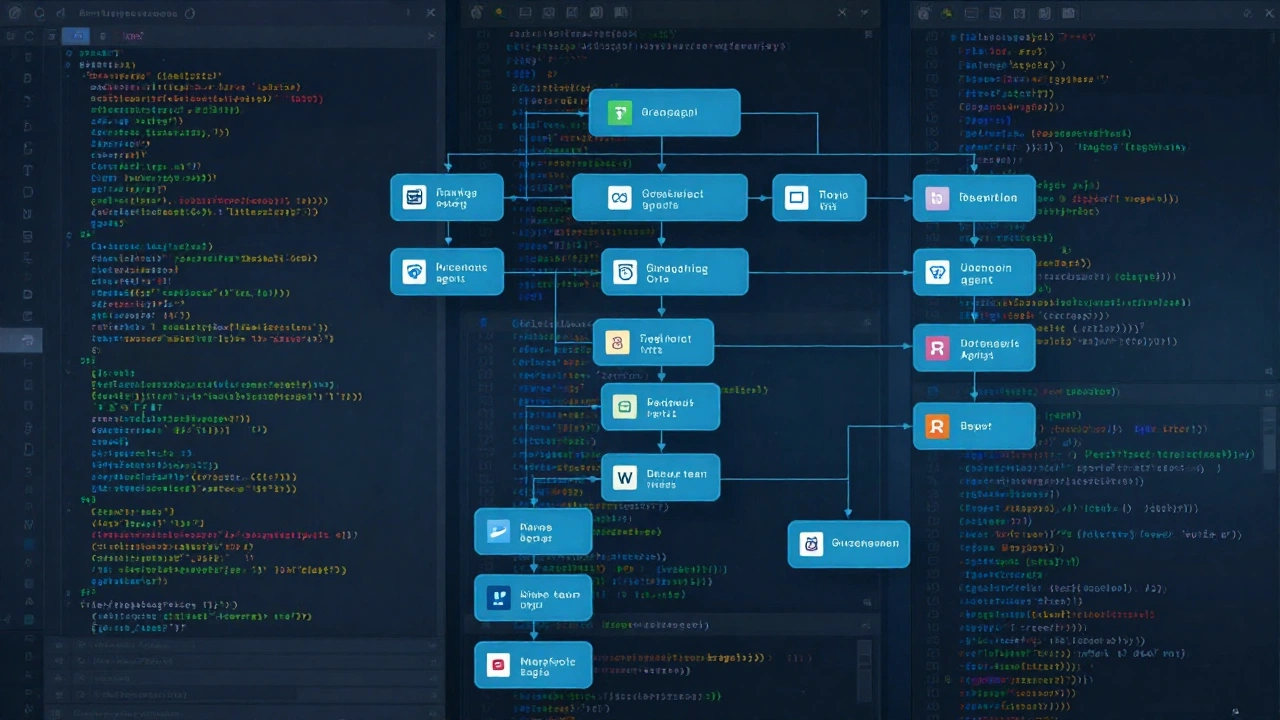
You watch the whole industry shift from simple autocomplete to agents that plan execute test and integrate with git CI and other systems. Claude Code leads this wave with its terminal roots. Both Cursor and Copilot added stronger agent modes around February 2026. Safety features like explicit permission requests become standard. Context windows keep growing with reports of one million tokens available in top setups. Non-engineers start contributing prototypes because natural language instructions replace deep syntax knowledge.
Market Growth and New Developments
Cursor climbed to between 500 million and one billion dollars in annual recurring revenue within two years and reached about one million daily active users. GitHub Copilot grew to 4.7 million paid subscribers. Companies explore acquisitions and multi-model orchestration to stay competitive. Focus on enterprise security and team standardization increases every quarter. Benchmarks continue to evolve toward real-world metrics like review time and token efficiency instead of raw score chasing.
Your Strategy for Maximum Productivity
You get the best results by combining tools instead of picking only one. Run Claude Code for the heaviest refactoring while you keep Cursor or Copilot open for quick edits. Test each option on a small personal project first so you feel the differences yourself. Pay attention to how much review each change needs. The field moves fast so check current leaderboards and official sites regularly. Start simple stay curious and adjust as your needs change. The right mix can cut your delivery time dramatically and let you focus on the problems that truly matter.